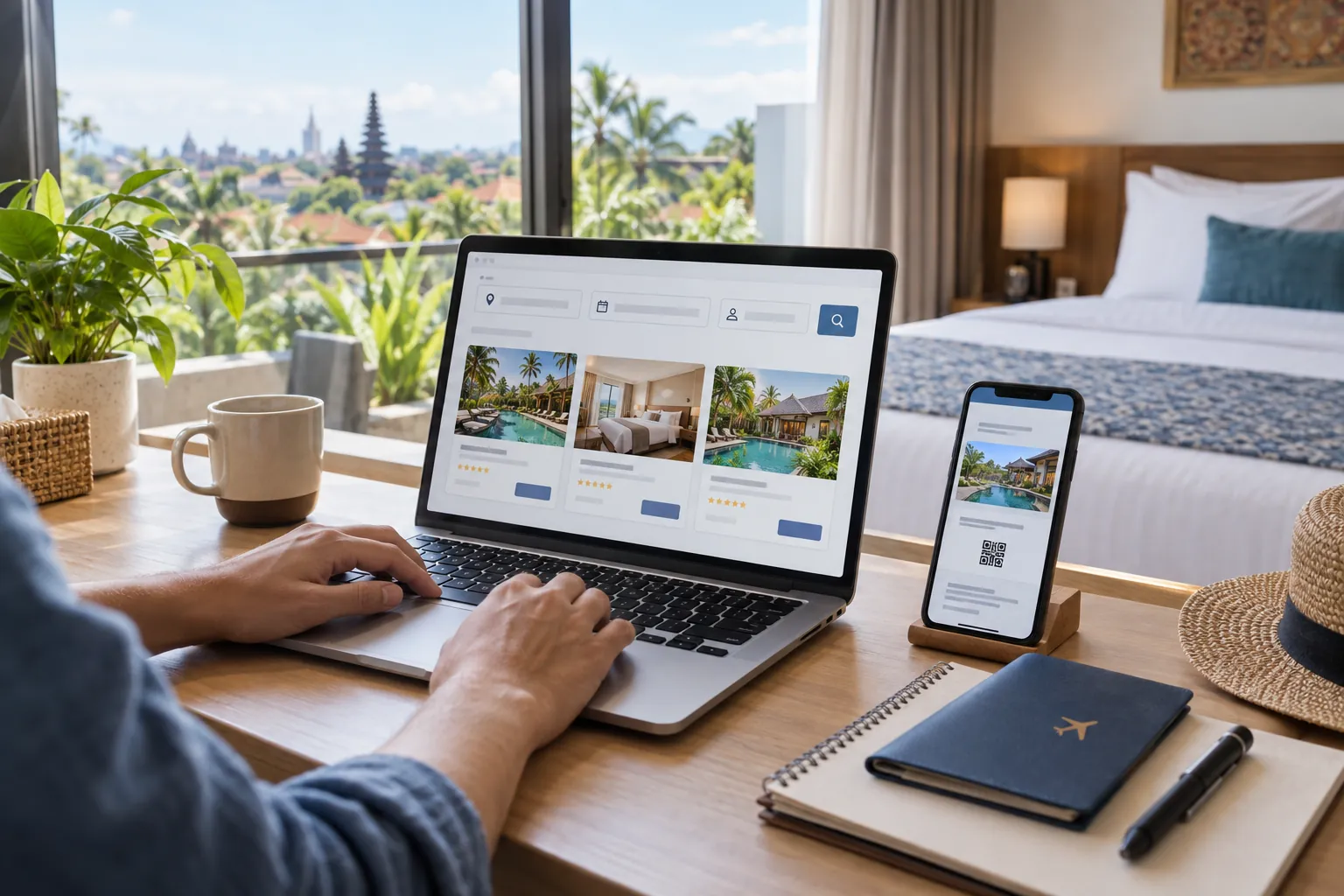
- Twelve-step booking process
- Secure payment checks
- Room and cancellation policies
- Voucher and check-in guidance
Before searching: define the stay correctly
Booking a hotel in Indonesia online begins before opening a booking platform. Write down the destination, exact check-in and check-out dates, number of rooms, every adult, each child's age, and the part of the city or island you need. Indonesia's destinations can cover large areas: a hotel carrying the name Bali, Bandung, Jakarta or Surabaya may be far from the airport, station, beach, meeting place or attraction that matters to the trip.
Identify fixed commitments first. These include a flight terminal, railway station, hospital, campus, wedding venue, conference, dive centre or ferry port. Check the address on a map and search within a realistic radius. For leisure trips, group planned places by area instead of choosing a central-looking pin without understanding traffic. A slightly higher room rate near the itinerary can cost less after daily transport and save substantial travel time.
Set the non-negotiable room requirements: private bathroom, lift, accessible shower, twin beds, family occupancy, breakfast, parking, late check-in, desk, refrigerator or refundable terms. Separate essentials from preferences. This prevents an attractive pool photograph or temporary promotion from replacing the facilities the stay actually needs.
Step 1: use a trusted website or official app
Type the booking platform's known address yourself, use its official app, or begin from the hotel's verified website. Avoid a sponsored social post, forwarded message or shortened link when you cannot verify where it leads. A professional-looking page can still copy a legitimate brand. Check the domain carefully before entering a password, passport detail or payment information.
Traveloka's official fraud guidance tells customers to book through its app or website and never make payment outside the methods shown there. Bank Indonesia's consumer guidance likewise advises using official, trusted services and keeping payment security codes confidential. These principles apply regardless of platform: stay inside the recorded booking flow, keep communication in the account where possible, and do not let urgency move the transaction to an unfamiliar channel.
- Open the platform through its known domain or official app.
- Check spelling before signing in.
- Use a unique password and available account security.
- Keep booking messages inside the platform.
Step 2: enter every guest and room
Search with the final number of adults, children and rooms. Enter children's ages when requested because hotels define child occupancy, breakfast and extra-bed charges differently. A room photographed with a sofa does not necessarily permit another guest, and a large bed does not override the property's maximum occupancy or fire-safety policy.
For two friends, select twin beds rather than hoping a double can be separated. For families, map each person to an approved bed: existing bed, single bed, bunk, sofa bed, rollaway or crib. Confirm whether connecting rooms have an internal door; adjacent rooms merely sit near each other. If a facility is essential, obtain written confirmation tied to the booking instead of relying on a general request field.
Step 3: compare the location on a map
Open the property's map pin and compare it with the entrance you will use. Large airports, stations, hospitals and campuses can have multiple gates. Islands and regencies may share a destination label even when transfers are long. Read the full address, administrative area and nearby roads, then test the route at approximately the expected travel time.
Do not treat straight-line distance as walking guidance. Heat, rain, luggage, missing pavements, hills and major road crossings can turn a short distance into an unsuitable walk. For a villa or rural guest house, ask about the last section of road, vehicle access, lighting and reception. For a beach hotel, verify whether access is direct, across a road, by shuttle or down steps. Location claims are useful only when converted into the journey your group can actually make.
Step 4: read the exact room category
Hotel pages combine general property information with room-specific details. A pool, breakfast buffet or ocean view shown near the top may not be included in the room displayed at the lowest price. Open the chosen category and read the bed type, floor area, bathroom, window, smoking status, view, occupancy, meal plan and accessibility information. Similar names such as Standard, Superior and Deluxe have no universal meaning between hotels.
Check whether the room is inside the main building, an annex, a privately managed apartment or a shared villa. Look for phrases such as shared bathroom, no window, room assigned at check-in, existing bedding, non-smoking request, or stairs only. When multiple rooms are booked, confirm whether the platform issues one booking ID and whether the hotel can place them nearby. Save the room description and conditions available at payment time.
Step 5: investigate recent reviews without chasing one score
Read recent reviews from travellers with a similar trip. Search for repeated comments about cleanliness, air conditioning, hot water, Wi-Fi, street noise, smoke, insects, lift operation, breakfast and staff response. A single very positive or negative review is weaker evidence than the same specific issue reported across different dates.
Compare guest photographs with management images while allowing for renovation and room-category differences. Sort by recent when possible and notice whether management answers a recurring problem constructively. Reviews cannot guarantee the next stay, but they help reveal what the listing summary omits. For a newly opened hotel with few reviews, favour flexible cancellation and direct confirmation of essential services.
Step 6: compare the final total, not the headline rate
Use the final checkout total for identical dates, guests and room conditions. Review taxes, service charges, platform fees, breakfast, extra people, rollaway beds, parking, cleaning, deposits and any mandatory event meal. A crossed-out price or large discount percentage does not show whether the room is good value. Compare what the traveller must actually pay for the complete stay.
Currency also matters for international visitors. Check which currency the platform charges, which currency the hotel collects for pay-at-property reservations, and whether the card issuer applies conversion or foreign-transaction fees. Do not choose a payment conversion without understanding the rate. Keep a screenshot or receipt showing the amount, currency and inclusions, but never store or share full card details in an ordinary message.
- Compare identical guest counts and room conditions.
- Expand every taxes-and-fees line.
- Add meals, transport and parking to the trip cost.
- Record the charged currency and final amount.
Step 7: understand cancellation and rescheduling
Refundable, free-cancellation and non-refundable rates can exist for the same room. Read the exact deadline, property time zone, fee and refund method before selecting. A free-cancellation label may still expire days before arrival. A pay-later or pay-at-hotel room can also carry a cancellation penalty, and a card may be used to guarantee the reservation under the displayed terms.
Traveloka's current accommodation guidance shows that flexibility differs by room, while its refund policy says refunds depend on the applicable hotel and booking conditions. Its help centre states that a non-refundable booking generally cannot be cancelled for a refund, although a request in exceptional circumstances may be escalated to the property without guaranteed approval. Treat the written voucher as the controlling reference for that reservation, not a general article or previous stay.
Step 8: enter guest and contact details carefully
Enter the lead guest's name exactly as required by the platform and identification used at check-in. Use an email address and telephone number you can access during the trip. If someone else will check in first, use the platform's proper guest-name procedure or contact support; do not assume a forwarded voucher automatically transfers the reservation.
Review dates, destination, property, room count and guest names before moving to payment. Many expensive mistakes are ordinary input errors. Check that the arrival and departure order is correct across time zones and overnight flights. Only submit identification through the platform or property process shown for the booking. Avoid sending a passport scan to an unrelated messaging account that has not been independently verified.
Step 9: pay through the displayed secure method
Choose a payment method shown inside the official checkout. Depending on platform, market and room, options can include a card, bank transfer, virtual account, supported wallet, pay near the stay date or payment at the hotel. Availability changes by transaction. Verify the beneficiary and amount before approving, then wait for the platform's confirmation rather than paying repeatedly when the status is slow.
Never share an OTP, PIN, password or CVV in chat or over a call. Bank Indonesia explicitly advises consumers to keep PINs, passwords, CVV/CVC codes and OTPs confidential, verify the payment destination and report suspicious transactions promptly. A caller claiming to be support does not need your one-time security code. If a new message demands another transfer to prevent immediate cancellation, stop and contact the platform through the app or known website.
- Pay only through methods displayed in official checkout.
- Verify beneficiary, value and currency.
- Never disclose OTP, PIN, password or CVV/CVC.
- Contact official support before a second payment.
Step 10: wait for the voucher, not only the payment receipt
A payment receipt proves money moved; the accommodation voucher confirms the booking details used for check-in. Open the voucher and verify the property, address, dates, guest, room, meal plan, payment status and policy. Save it in the app, email and an offline file. If the voucher does not arrive within the platform's stated processing time, check booking status through the official account before contacting support.
Traveloka's help centre provides booking-status and voucher tools under My Booking. Its flexible-accommodation guidance says vouchers are sent through email and the app for applicable products. Do not rely only on a screenshot of a search result or bank transfer. If support is needed, keep the booking ID ready but do not post it publicly with personal information.
Step 11: confirm critical details before travel
Contact the property through the platform when arrival will be late, the front desk is not open 24 hours, or the stay depends on a shuttle, connecting room, accessible setup, crib or dietary procedure. Ask for confirmation attached to the booking. A special-request box records a preference; it does not always guarantee fulfilment.
Recheck the map pin, weather, transport and cancellation deadline several days before arrival. For an airport shuttle, confirm terminal, meeting point, flight number and delay procedure. For a villa or self check-in, obtain entrance instructions before leaving reliable internet access. Share the property name, address and contact with the travel group, especially when people arrive separately.
Step 12: check in with the voucher and identification
Present the voucher and the identification required by the property. Traveloka's online check-in guidance says a guest may need to show the same identification used for verification and notes that a deposit or registration process can still apply at arrival. Requirements vary by property, so check the voucher and bring a payment method accepted for deposits or incidentals.
Before unpacking, inspect the room category, beds, bathroom, lock and essential facilities. Photograph and report a material problem promptly through reception and the platform rather than waiting until checkout. If the hotel cannot find the reservation, ask staff to search using the lead guest name and booking ID, then contact official platform support. Keep conversations calm, specific and recorded where possible.
Common online hotel booking mistakes
The most common errors are choosing the wrong area, entering the wrong date, omitting a child, comparing different room types, assuming breakfast covers everyone, overlooking a non-refundable rule, and mistaking a request for a guarantee. Other problems come from selecting the wrong railway station or airport, ignoring a final road to a remote property, or paying for a cheap room that creates high daily transport costs.
Security mistakes include clicking an unverified link, moving the conversation to an unknown account, reusing a weak password, sharing an OTP, and sending payment outside checkout. OJK and Bank Indonesia both publish consumer warnings about increasingly varied scams and the need to protect personal and payment information. Slow down whenever a message creates unusual urgency or asks for a secret code. A legitimate booking can be checked from the account and official support channel.
Frequently asked questions
What is the safest way to book a hotel in Indonesia online?
Use a trusted platform's official website or app, verify the domain, keep payment inside checkout, read the exact room and cancellation rules, and wait for an accommodation voucher.
Do I need a passport to book an Indonesian hotel online?
Platforms may not require the same document at initial search, but international guests should enter names accurately and carry the identification required by the hotel at check-in. Follow the booking's stated procedure.
Should I pay online or at the hotel?
Either can work when offered by the exact room. Compare price, currency, guarantee method, cancellation conditions and accepted payment at check-in. Pay-at-hotel does not automatically mean penalty-free cancellation.
How do I know an Indonesia hotel booking is confirmed?
Check the booking status in the official account and obtain the hotel voucher. Verify the property, dates, guest, room, payment status and booking ID.
Are taxes and service charges included in online hotel prices?
It depends on the listing and stage of checkout. Expand the taxes-and-fees details and rely on the final payable total for the selected room, guests and dates.
Can I cancel a non-refundable hotel room?
A non-refundable rate generally does not provide a refund. A platform may allow an exceptional request to be submitted, but the property can reject it. Read the voucher's exact policy.
Is a special request guaranteed after online booking?
Usually not unless the property confirms it for the reservation. Connecting rooms, twin beds, cribs, quiet rooms, accessibility setups and late arrival should be confirmed directly.
What should I do if someone asks for another hotel payment by message?
Do not pay or share an OTP. Open the official app or website independently, check booking status and contact verified support. Never move payment to an unfamiliar account because of urgency.
Can I show an electronic hotel voucher at check-in?
Many online bookings use an electronic voucher. Save it offline and carry the required identification. Follow any property-specific instructions shown on the voucher.
Sources and further reading
We used the following primary consumer resources to review time-sensitive claims in this guide.
- Traveloka Help Centre: accommodation booking and vouchers
- Traveloka: accommodation flexibility and payment options
- Traveloka: accommodation refund policy
- Traveloka: hotel online check-in guidance
- Traveloka Help Centre: fraud warning
- Bank Indonesia: consumer payment-security guidance
- OJK: 2026 consumer scam-awareness guidance
Compare options for your trip.
Continue to Traveloka to check current schedules, availability, and final prices for your travel dates.
Affiliate disclosure. This page contains Traveloka affiliate links. We may earn a commission when you book through them, at no additional cost to you. Commercial relationships do not determine our editorial recommendations.